Download BombSquad, Controller App & Dedicated Servers
Get the latest official releases of BombSquad for Android, Windows PC, Linux, macOS, and VR headsets. Turn your smartphone into a wireless gamepad with BombSquad Remote or host your own 24/7 multiplayer server.
Looking to Download BombSquad Mods & Python Scripts?
This page provides downloads for the base BombSquad game, server builds, and controller apps. If you want to download custom community mods, minigames, character packs, powerups, server plugins, or the Community Plugin Manager, head over to our dedicated Community Mods Repository!

BombSquad Game Clients
Explosive 8-player local and online physics-based arcade party action on all major platforms.
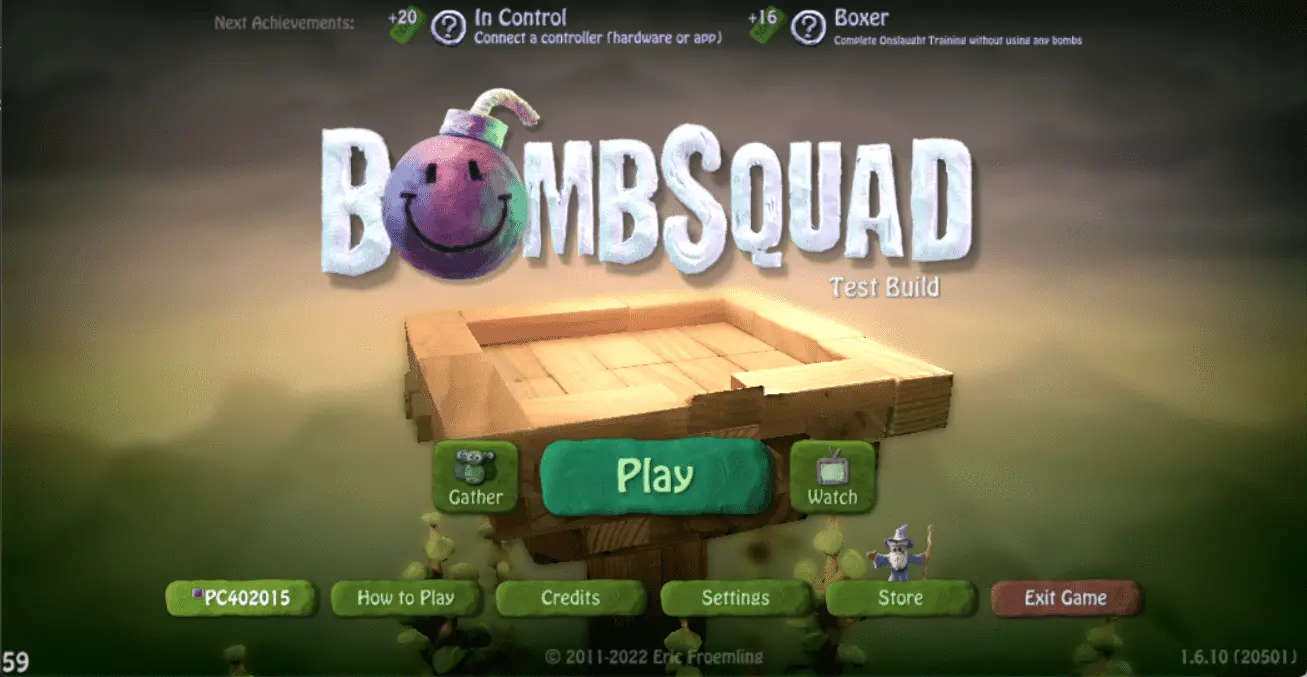
Physics-Driven Party Battles
Jump, punch, throw, and bomb your way through Capture-the-Flag, King-of-the-Hill, Bomber-Hockey, and epic elimination battles. Play locally on TV or online with friends across different devices!
Android
Requires Android 5.0 or higher. Full touch controls, gamepad support, and Google Play Games achievements.


Windows PC
Standalone portable build with high framerate graphics, custom keyboard mappings, and USB/XInput gamepad support.

macOS
Optimized for Mac with native Apple Silicon and Intel architecture support, Game Center sync, and multi-gamepad input.

Linux & Steam Deck
Lightweight portable tarball. Works great on desktop Linux distributions, HTPCs, and Steam Deck desktop mode.


BombSquad Remote (Wireless Controller)
Transform your iOS or Android mobile devices into responsive gamepads over local Wi-Fi.
Never Run Out of Gamepads Again
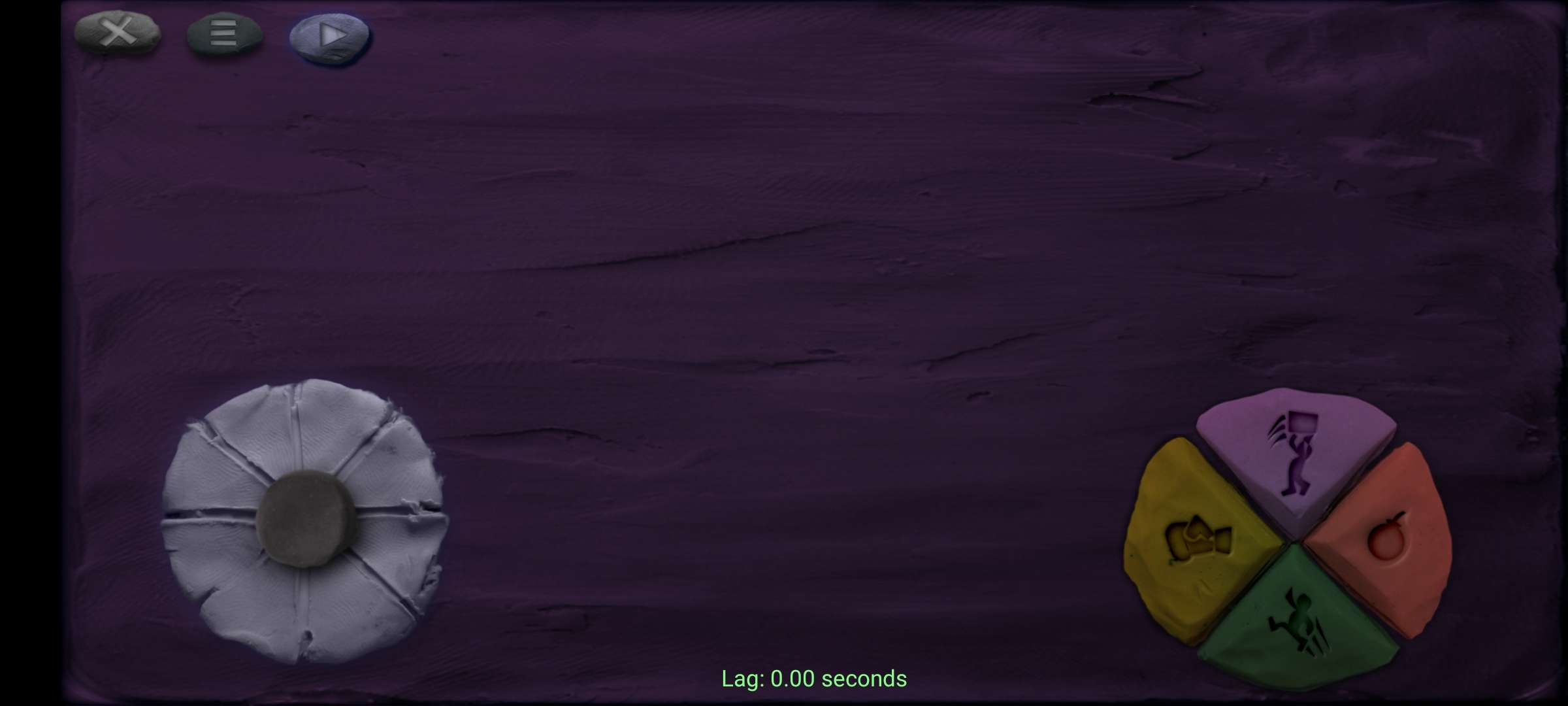
Short on physical controllers for your party session? BombSquad Remote turns your smartphone or tablet into a wireless game controller with an intuitive touch D-pad, punch, jump, bomb, and pickup buttons. Connect up to 8 mobile devices simultaneously!
Ensure your phone and game host device (PC, Mac, or TV) are on the same Wi-Fi network.
Launch the app on your mobile phone or tablet.
The app automatically detects the game and connects as an active player gamepad!

BombSquad Dedicated Game Servers
Host high-performance 24/7 multiplayer servers, run custom Python mods, and build community rooms.
Don't want to self-host? Get a Free 24/7 Managed Server
We provide 100% free automated BombSquad server hosting with custom config, live web console, and instant setup.
BombSquad VR Edition
Immerse yourself in virtual reality arena battles with full 3D stereoscopic depth.
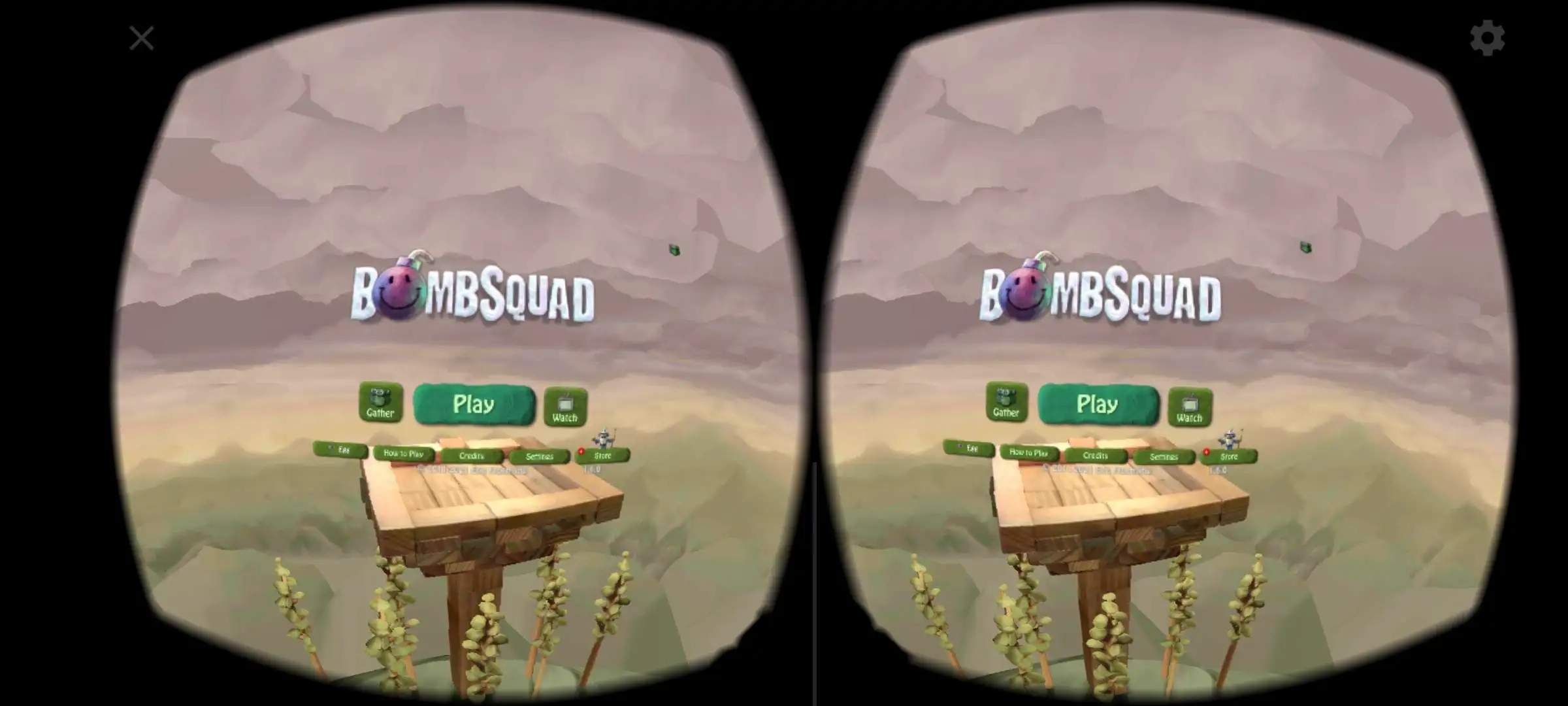
Step Inside the Explosive Arena
Experience BombSquad from a whole new perspective in full 3D virtual reality. Throw bombs, dodge explosions, and strategize with your teammates in an exhilarating VR arena environment.
Download & Installation FAQ
Quick answers to common questions regarding game downloads, controller setup, and mods.